Category "How-to" - page 3

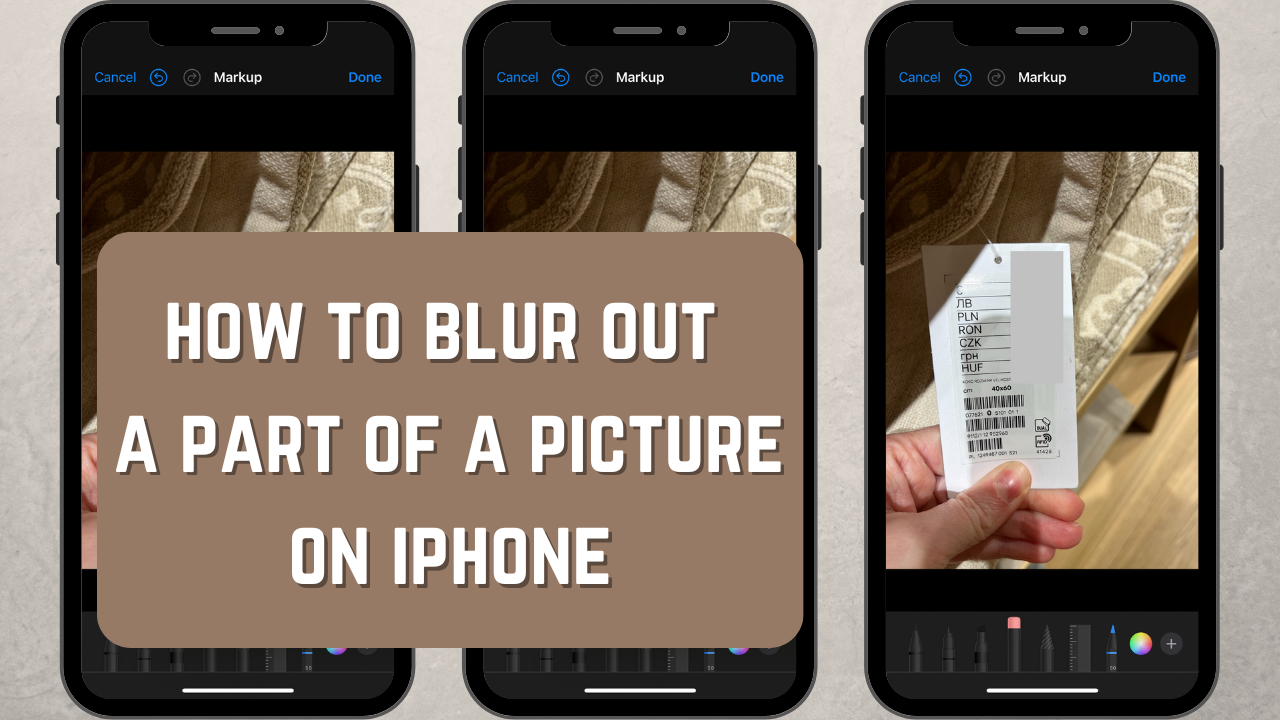
How to Blur Out a Part of a Picture on iPhone

How to Blur Out a Part of a Picture on iPhone

Do you want to learn how to quickly and easily cover up certain details in a photo directly on your iPhone? This article is exactly what you need! There are two free apps that can help you conceal any kind of sensitive information from prying eyes — be it house or ID numbers, people’s faces, license plates, login details in screenshots or documents, etc. The detailed instructions provided in this article will teach you how to use both of these user-friendly apps.
How to Blur a Part of an Image in Canva

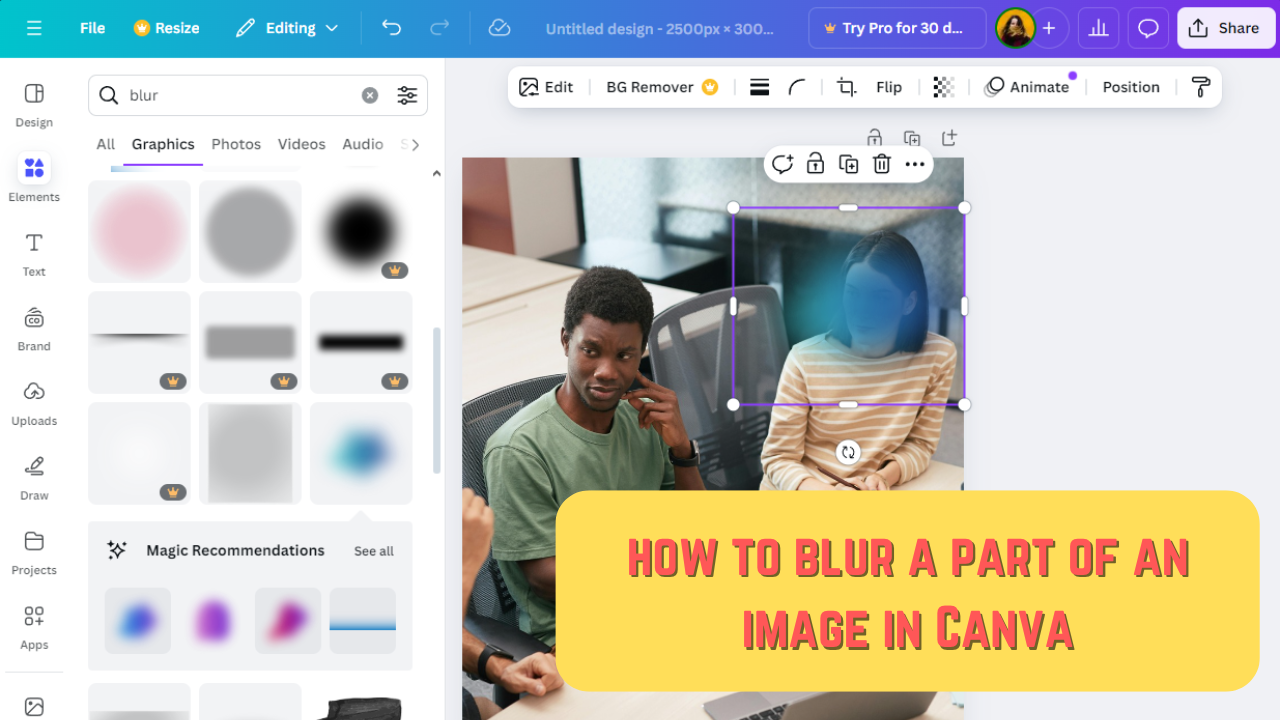
How to Blur a Part of an Image in Canva

These days pretty much everyone needs to know how to blur images; especially those who actively share content on social media. Say, you want to create a tutorial to post on your social media account, but it’s impossible to crop out all the personal information from some of the screenshots. The simple solution would be to hide this information by blurring it.

How to Blur a Part of an Image in Photoshop

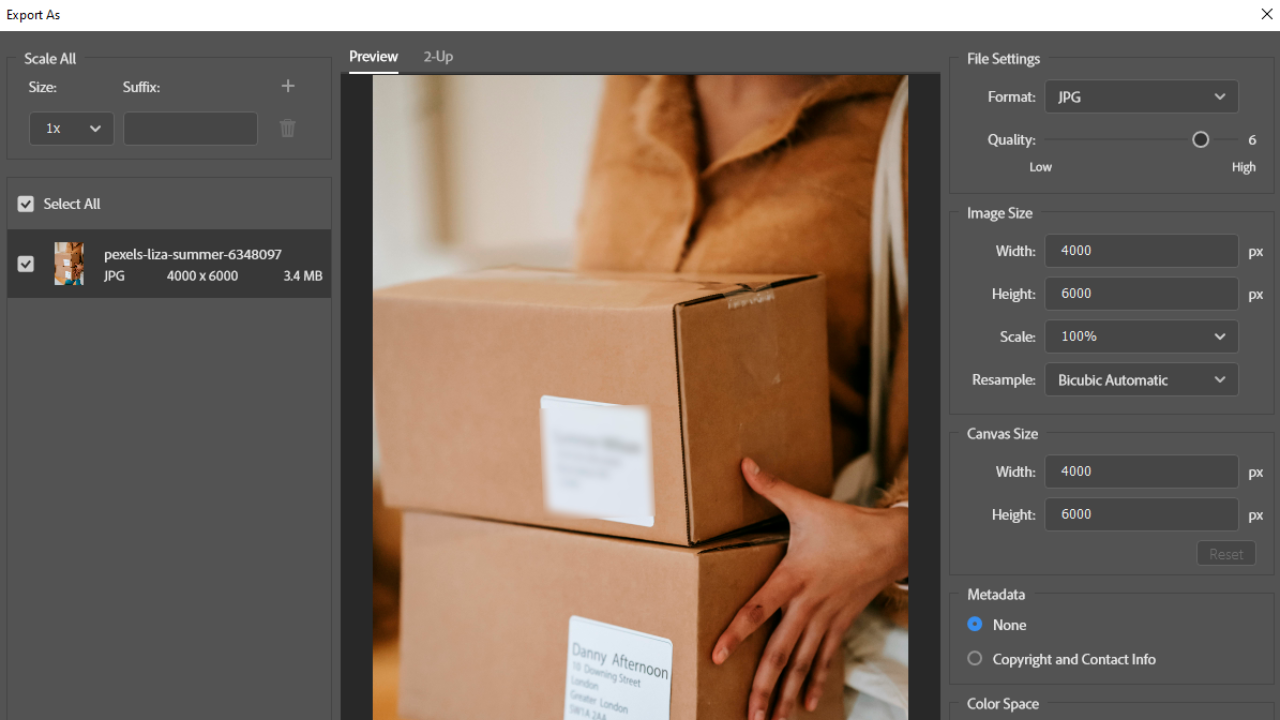
How to Blur a Part of an Image in Photoshop

Sharing any kind of confidential information online is very dangerous these days. It might get you into some serious trouble or cause a data breach at your work. Before sharing images online, make sure that they don’t contain anything that can be used against you. If there’s some sensitive data, you should hide them by adding a blur.

How to Create Amazing Photos for Social Media and Improve Your Engagement

How to Create Amazing Photos for Social Media and Improve Your Engagement

People upload hundreds of images and videos onto popular social media platforms daily. Nice-looking visual content isn’t always enough to make people stop scrolling. Content-consumers go on social media to learn something new or something that can make their lives easier as well as get entertained by seeing something funny or extraordinary, something they’ve never seen before. Your content should contain either of these things for people to notice and, what’s more important, engage with it. Otherwise, they will simply keep scrolling.

How to Resize an Image on an iPhone. Best ways

How to Resize an Image on an iPhone. Best ways

Since its debut in 2007, the iPhone’s camera has evolved significantly. These days the resolution and the quality of images that these tiny cameras produce is truly astounding. Moreover, sometimes, it’s even impossible to tell whether a photo was taken on an iPhone or a digital camera. It sounds great but there’s a downside.